Help Center › iPhone & iPad › Getting started
Open a PDF
Open PDFs from your device, cloud storage, email or another app.
Applies to iOS / iPadOS 16 or later
Kiwi PDF can open PDFs stored on your device, in iCloud Drive, Google Drive, Dropbox, or received by email — here is how on each platform.
iPhone & iPad
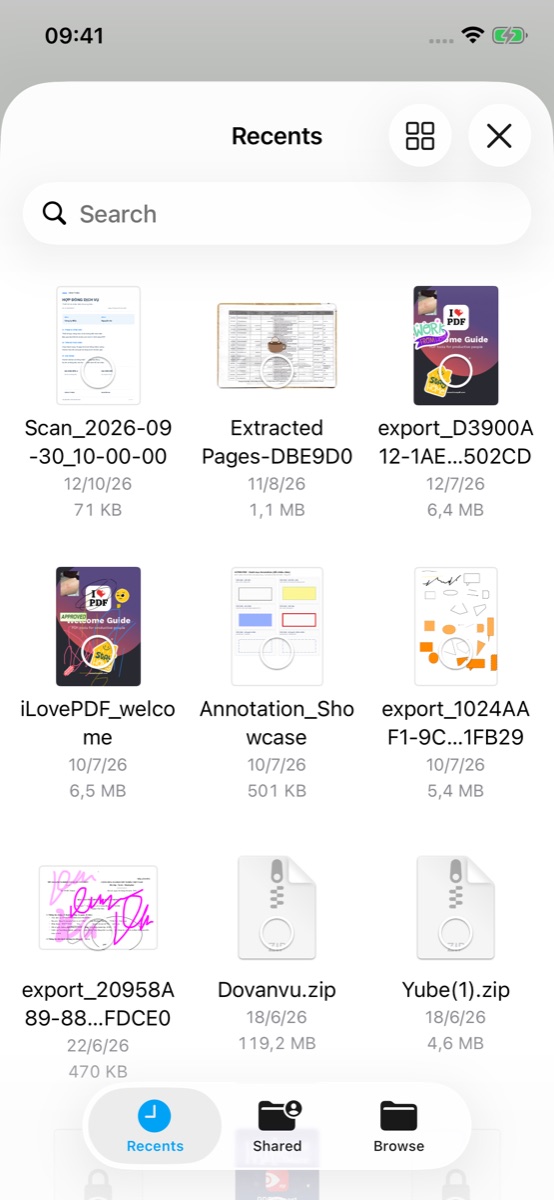
- Open Kiwi PDF. Your PDFs are listed on the Home tab under My Files — tap one to open it in the editor.
- To add a PDF that is somewhere else, tap the + button at the bottom right.
 12
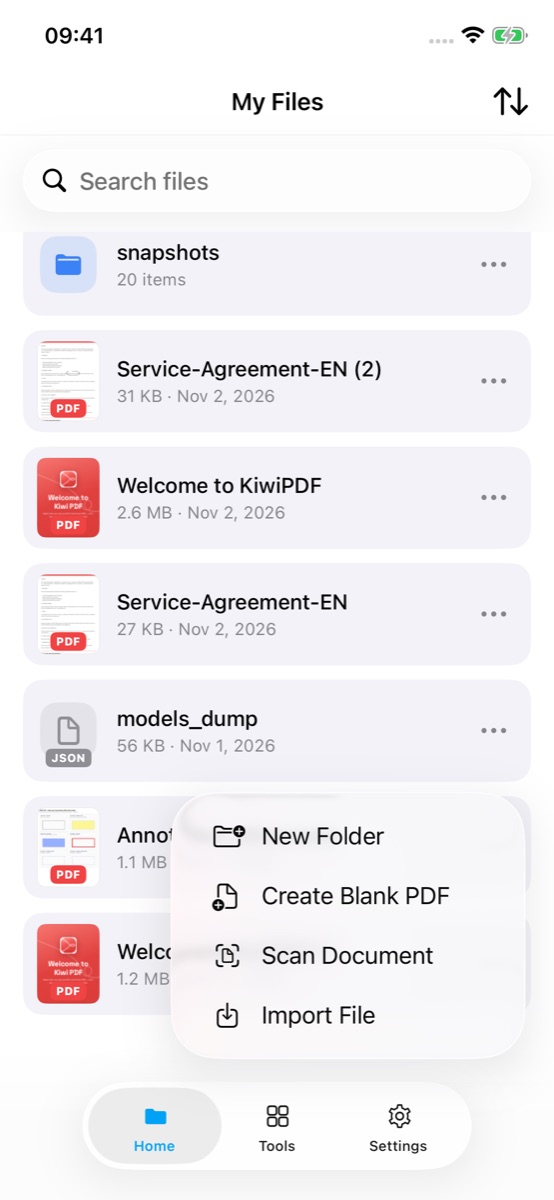
My Files: tap a PDF to open it, or + to add one - Tap Import File and pick the PDF from iCloud Drive, On My iPhone or another cloud service connected to the Files app. Scan Document turns paper pages into a PDF with the camera; Create Blank PDF starts an empty one.
 3
The + menu with Import File
You can also open a PDF from any other app (Mail, Safari, Files, WhatsApp…):
- In the other app, tap the share or open-with icon.
- Scroll the share sheet until you see Kiwi PDF, then tap it. The file opens immediately.
iCloud Drive: your PDFs in iCloud are available under Files › iCloud Drive without any extra setup.