Help Center › Web › Getting started
Open a PDF
Open PDFs from your device, cloud storage, email or another app.
Applies to A recent Chrome, Edge, Safari or Firefox
Kiwi PDF can open PDFs stored on your device, in iCloud Drive, Google Drive, Dropbox, or received by email — here is how on each platform.
iPhone & iPad
Android
Mac
Windows
Web
- Go to kiwipdf.org and click Open editor, or visit kiwipdf.org/app/ directly.
- Click Open PDF and pick a file from your computer.
- You can also drag and drop a PDF anywhere onto the editor page.
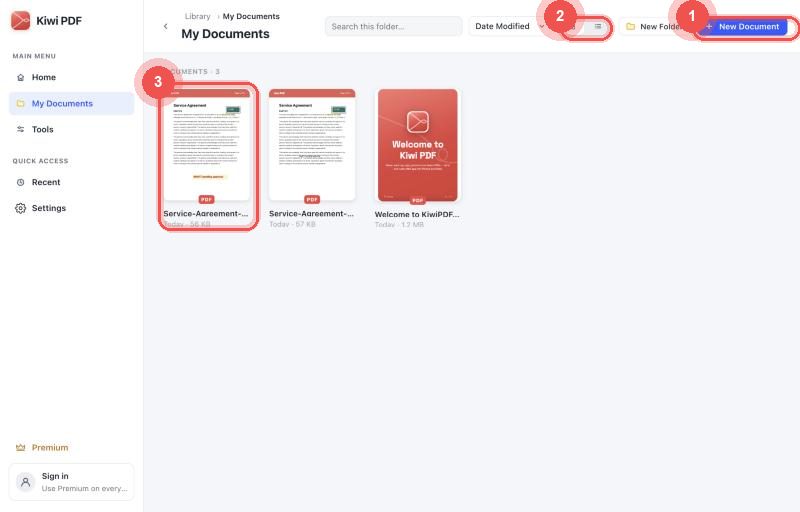
My Documents: click a PDF to open it
The web editor stores your files in your browser. They do not leave your device.